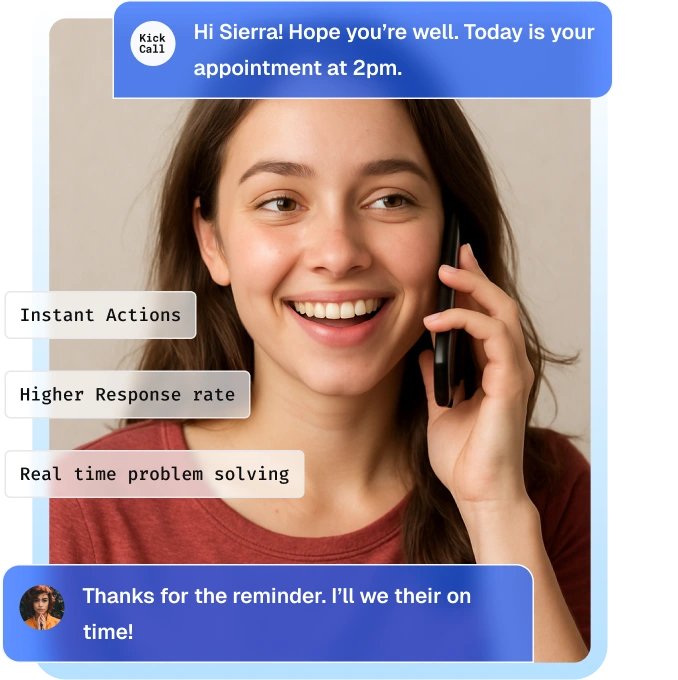
Traditional SMS and email reminders aren't always enough. Kickcall automatically calls patients and customers before their appointments, confirms attendance, handles rescheduling, and contacts your waitlist to help fill cancelled slots.
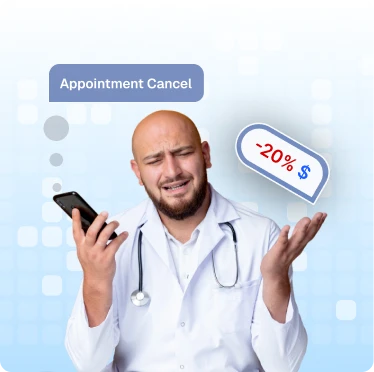
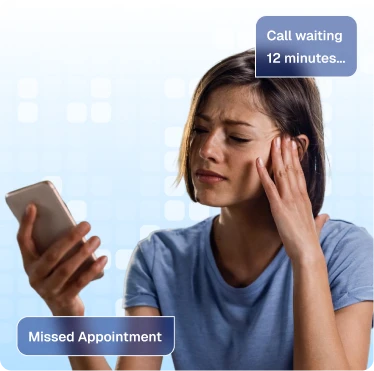
Reminders get ignored, staff can’t follow up fast enough, and no-shows still cost you time and revenue.

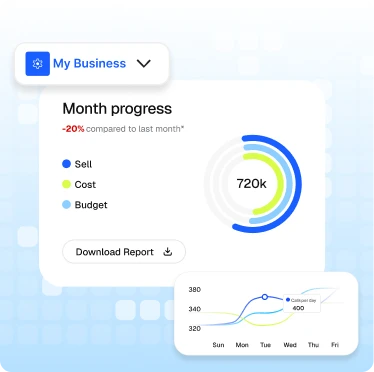
Kickcall automatically contacts patients and customers before their appointments, understands their responses, and takes the appropriate action to keep your schedule on track.
01
Reminder calls go out ahead of scheduled appointments, giving patients time to confirm or request a change.





02
Kickcall recognizes whether someone wants to confirm, cancel, or reschedule and responds accordingly.

03
Appointments are confirmed or rescheduled, while cancelled slots can be offered to suitable people on your waitlist.
Connect Kickcall with your existing phone systems, business tools, and knowledge base to keep every conversation connected and informed.


Instant Cancellation Detection
Detect cancellations the moment they happen.

Smart Waitlist Matching
Automatically match open slots with the most suitable patients on the waitlist.

Automated Patient Outreach
Notify matched patients via call—instantly.

Real-Time Booking Confirmation
Let patients confirm appointments in real-time, filling slots within minutes.

Keep Your Schedule Updated
Sync appointment changes with your connected scheduling system, where supported.
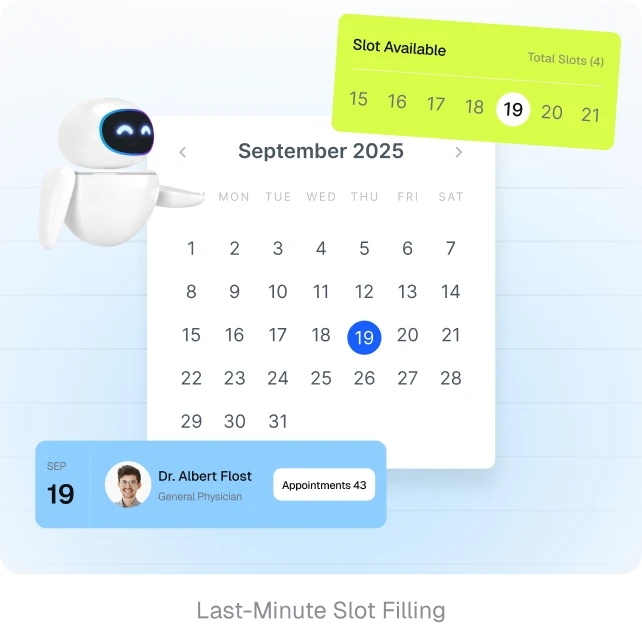

Kickcall ensures smooth data flow and collaboration.

AI Receptionist for Oscar Pro Clinics

AI Voice Receptionist for Dentrix Ascend PMS Users

AI Voice Receptionist for Open Dental PMS Users

AI Voice Receptionist for Practice Better EHR Users

AI Voice Receptionist for Practice Fusion EHR Users

AI Voice Receptionist for AdvancedMD Users
How does Kickcall reduce appointment no-shows?
What's the difference between an appointment reminder and a recall reminder?
What happens if a patient doesn't answer?
Does Kickcall update our EMR or practice management system?
Can patients reschedule without calling the clinic back?
Can Kickcall automatically fill cancelled appointment slots?
Can Kickcall work with our existing phone number?


Reduce no-shows, manage cancellations, and refill open slots automatically. Let Kickcall handle appointment reminders while your team focuses on patients.